 Kap
Features
The form, then the conversation
Create the form, keep it in the library, and edit the fields before anyone fills it in. Then the same form can be completed by voice, chat, or phone.
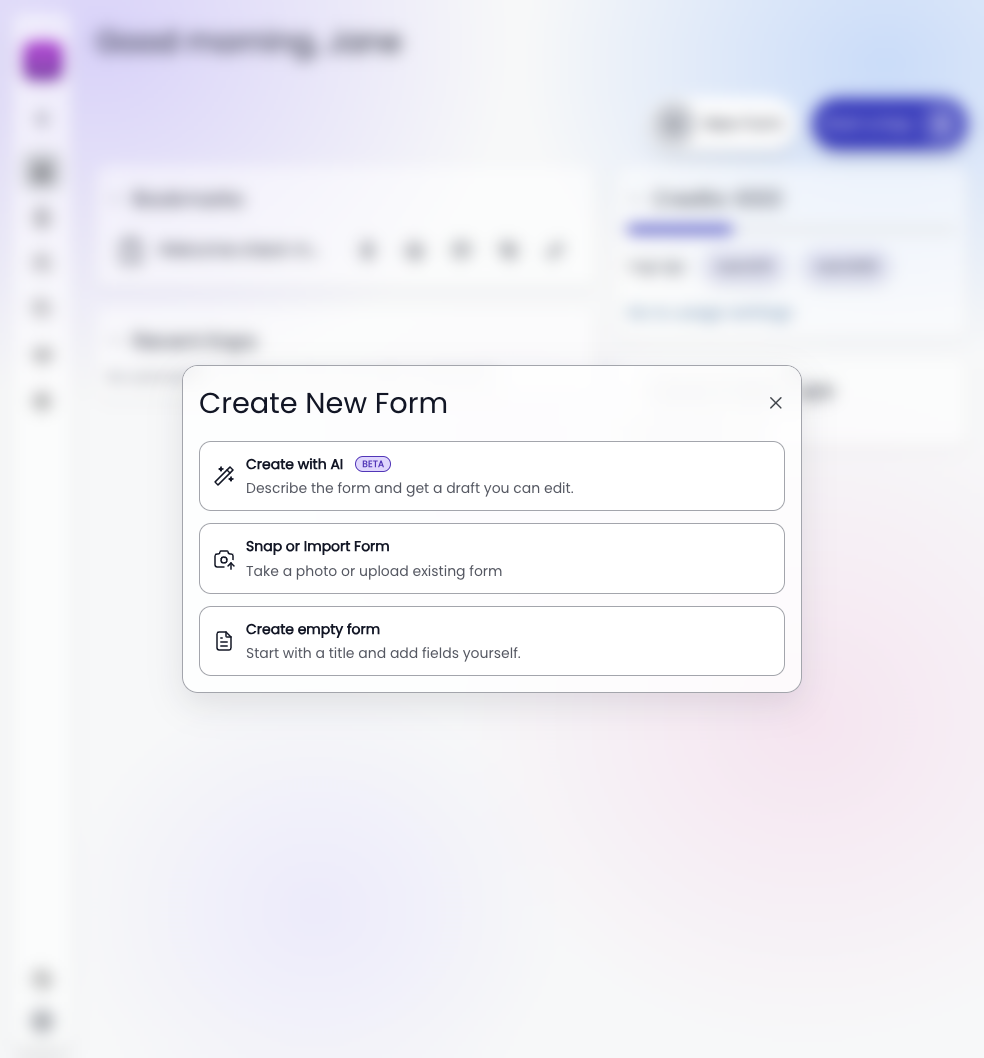
New Form
Three ways to start
Describe the form and get a draft. Snap or upload the paper or PDF you already use. Or start with a title and add the fields yourself.
Library
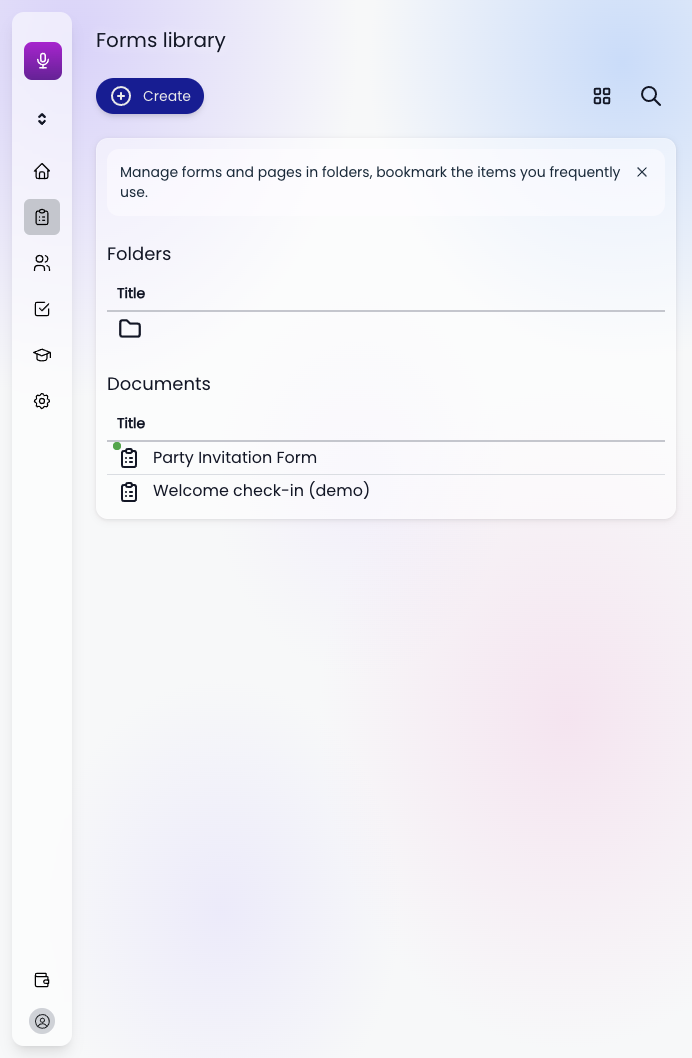
The forms live in one library
Folders for the ones that belong together. Documents for each form. Bookmark the check-in the team runs every morning, and it stays one tap away.
Editing
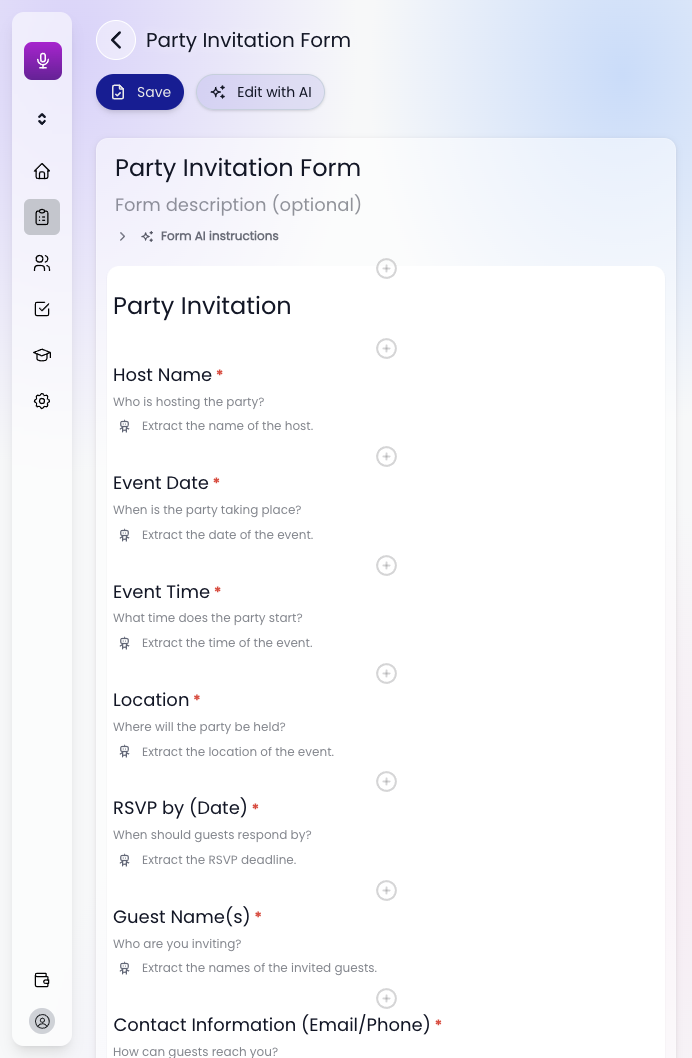
Change a field before it goes live
Each row is the question someone will be asked, plus the note that tells the assistant what to capture. Add a field between two questions, save, or hand the draft back to Edit with AI.
Fill modes
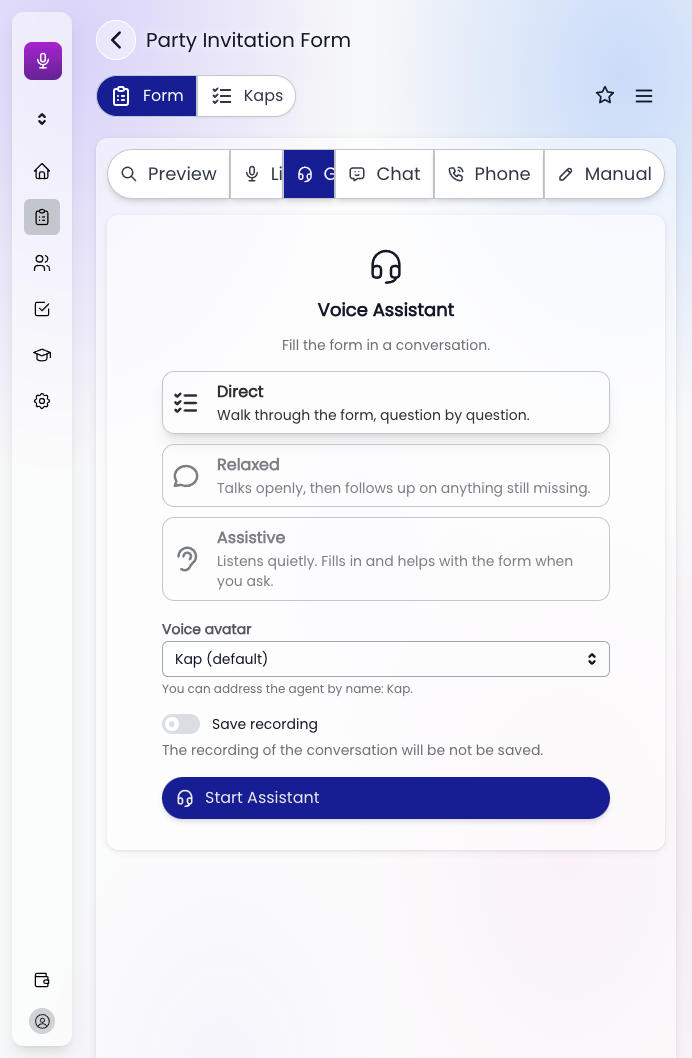
Same form, several ways to fill it
Preview, Listen, Guided, Chat, Phone, or Manual. Guided is a voice assistant. Direct walks the questions in order. Relaxed talks, then follows up on anything still missing. Assistive listens and helps when you ask.
The answers come back in the fields you set
A care worker can sit with the client, or the client can finish it alone by chat or phone. You still get the form, not a note to retype.
Start free